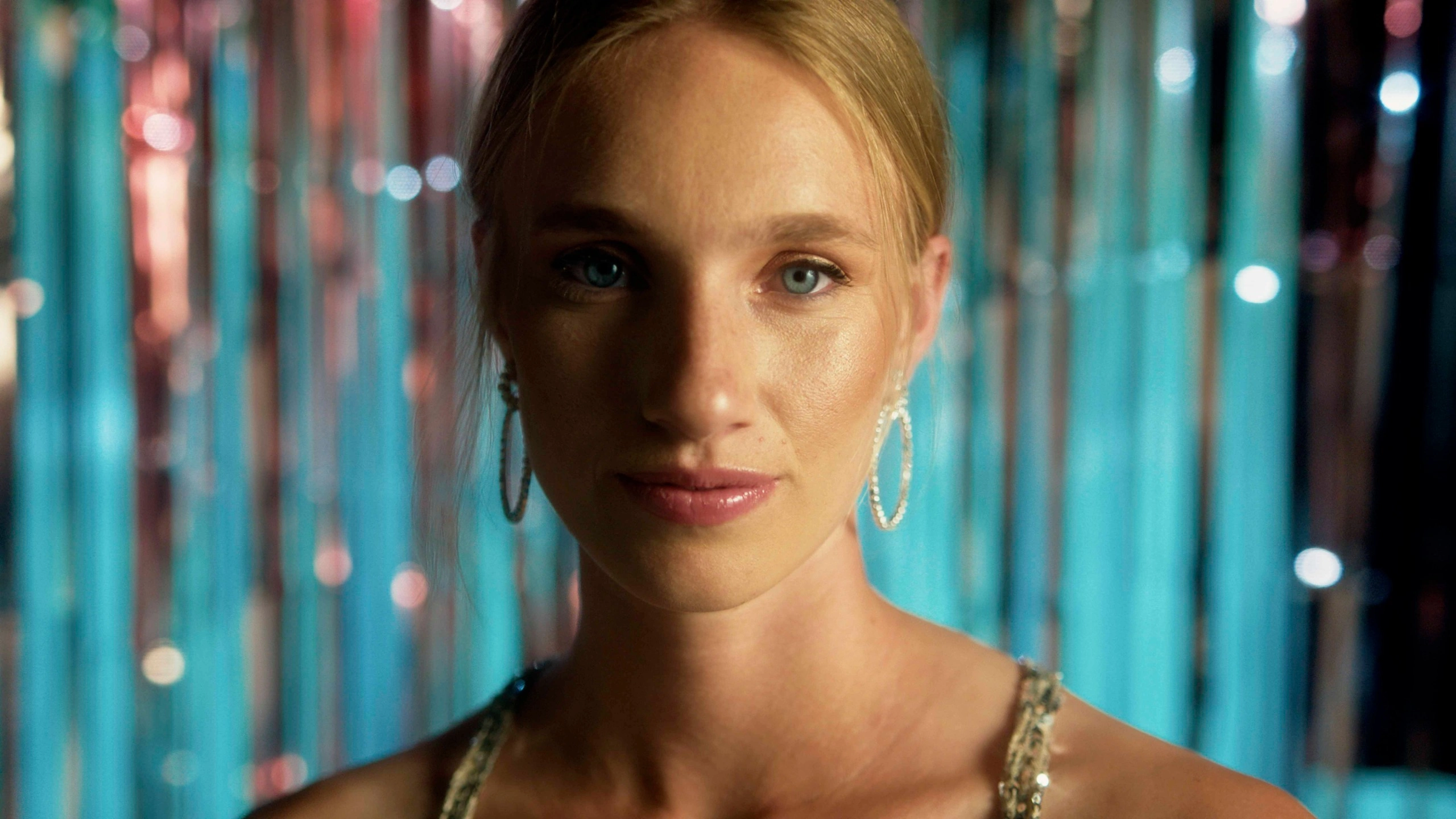
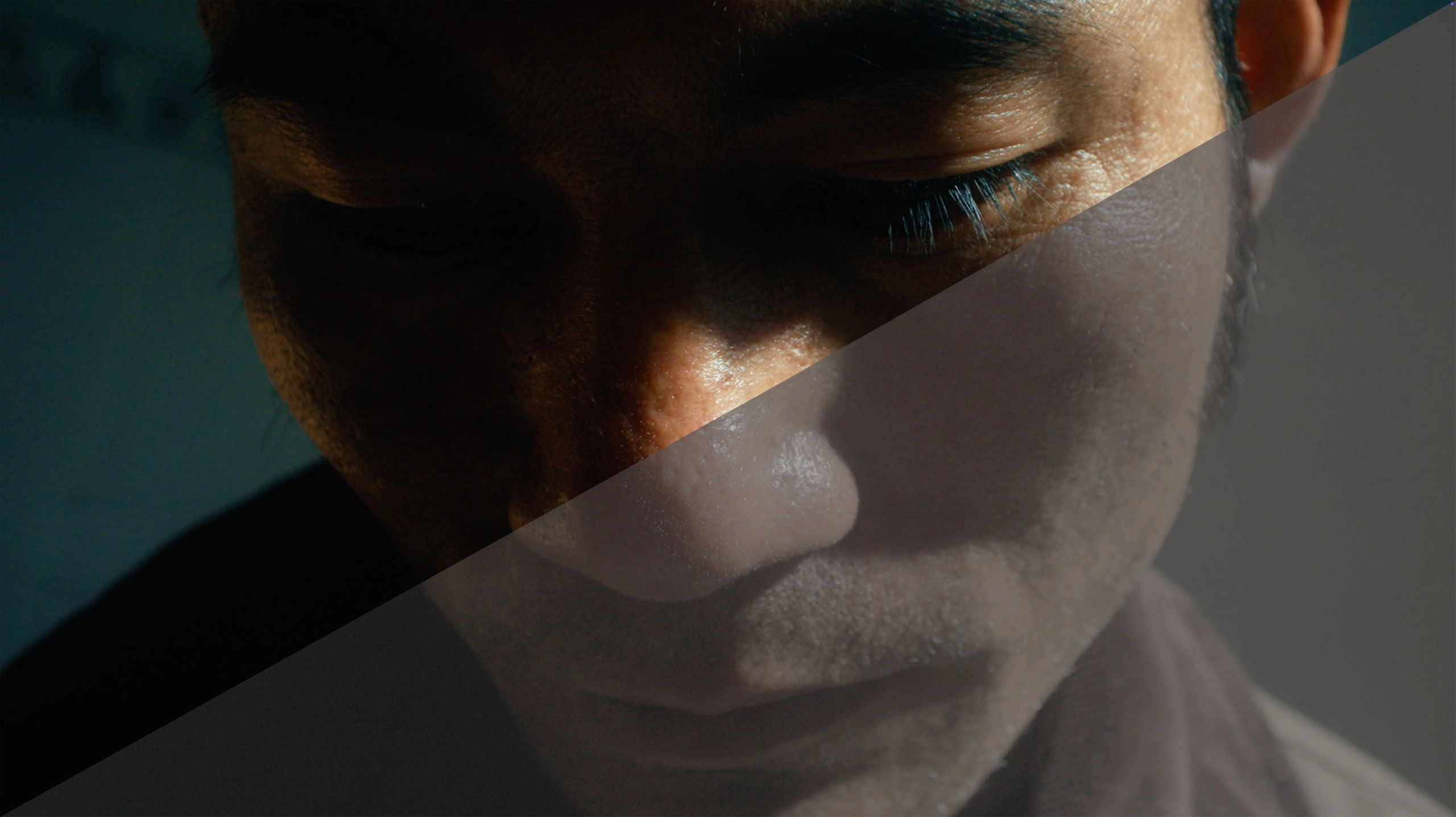
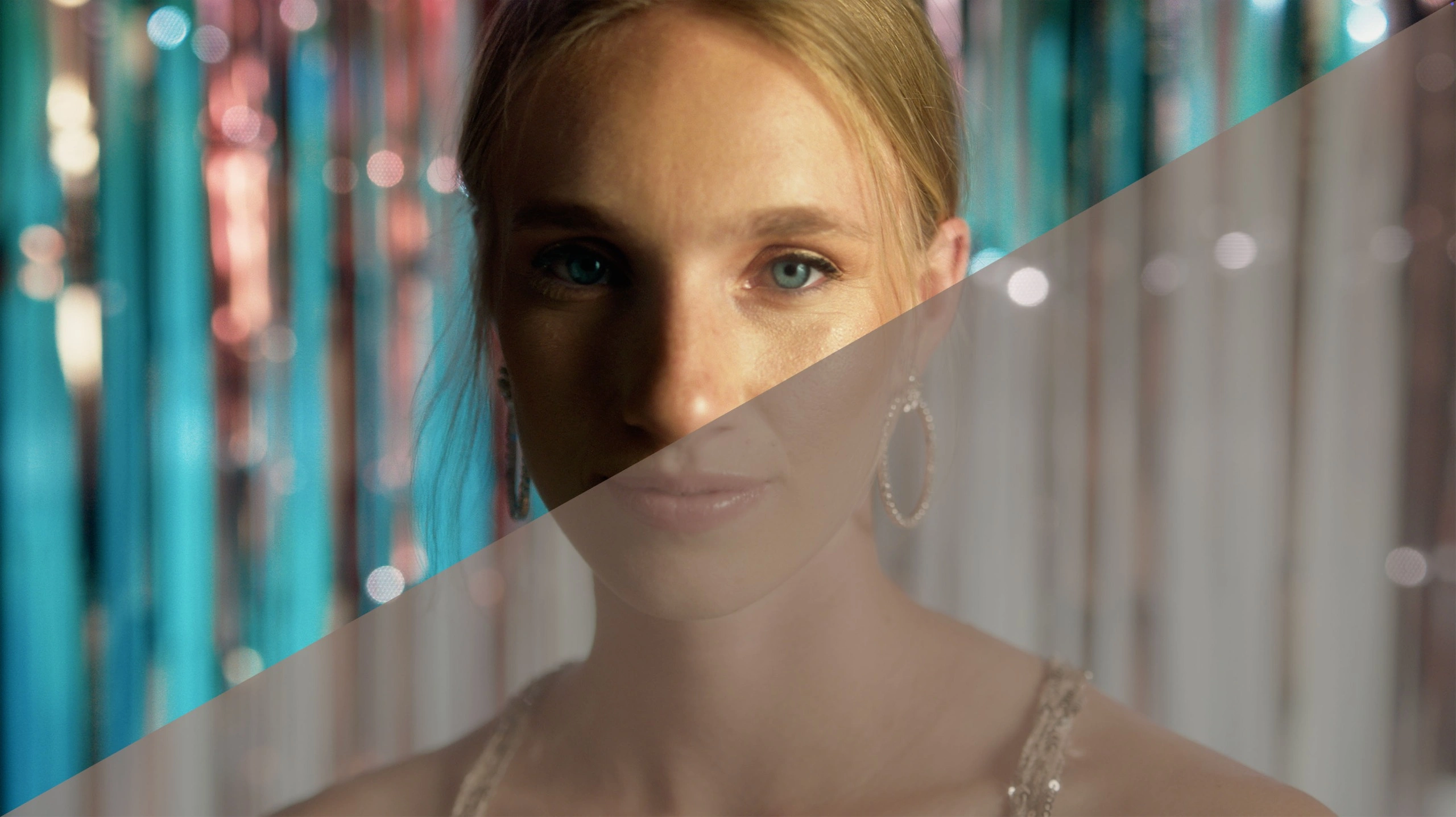
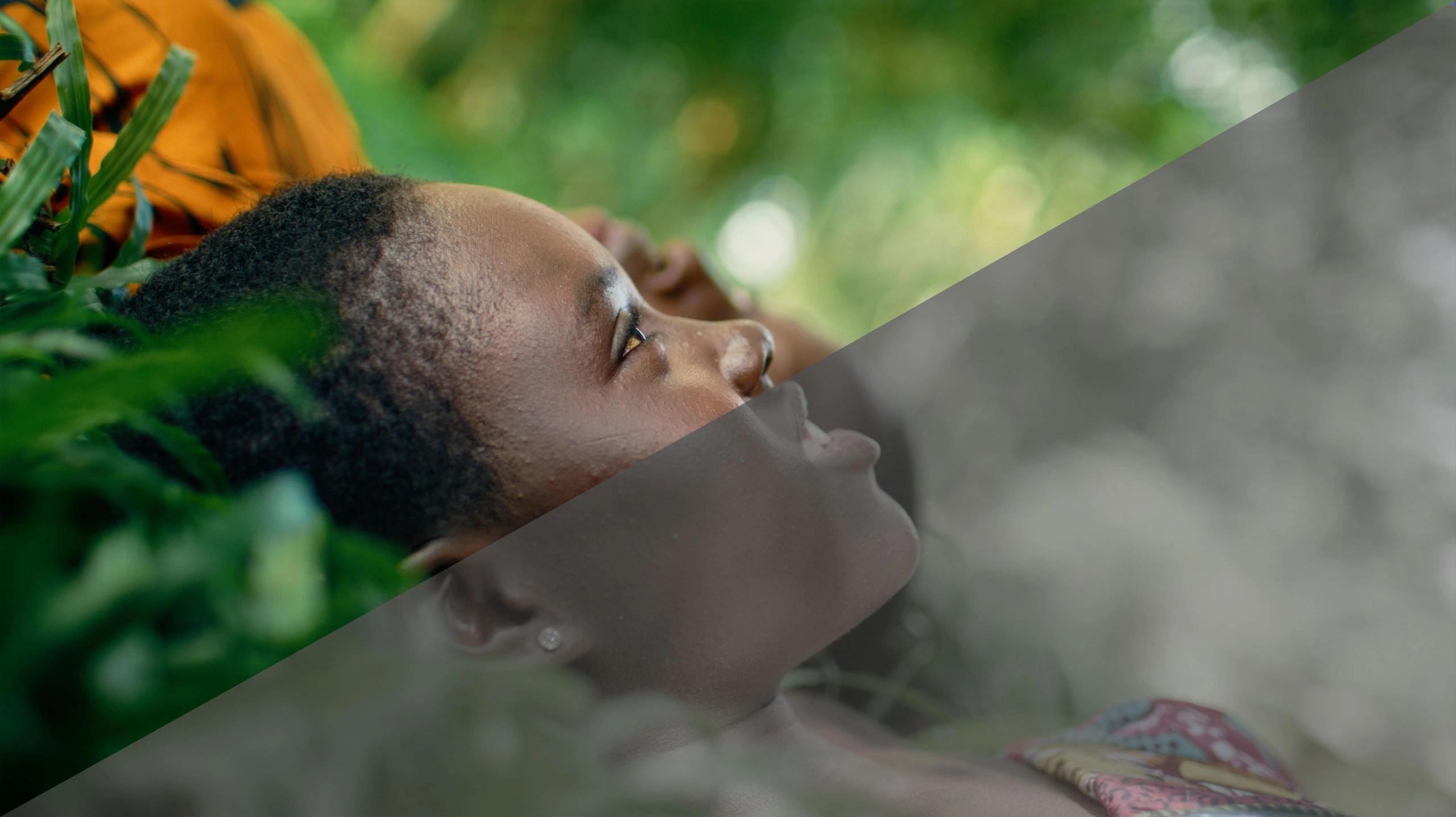
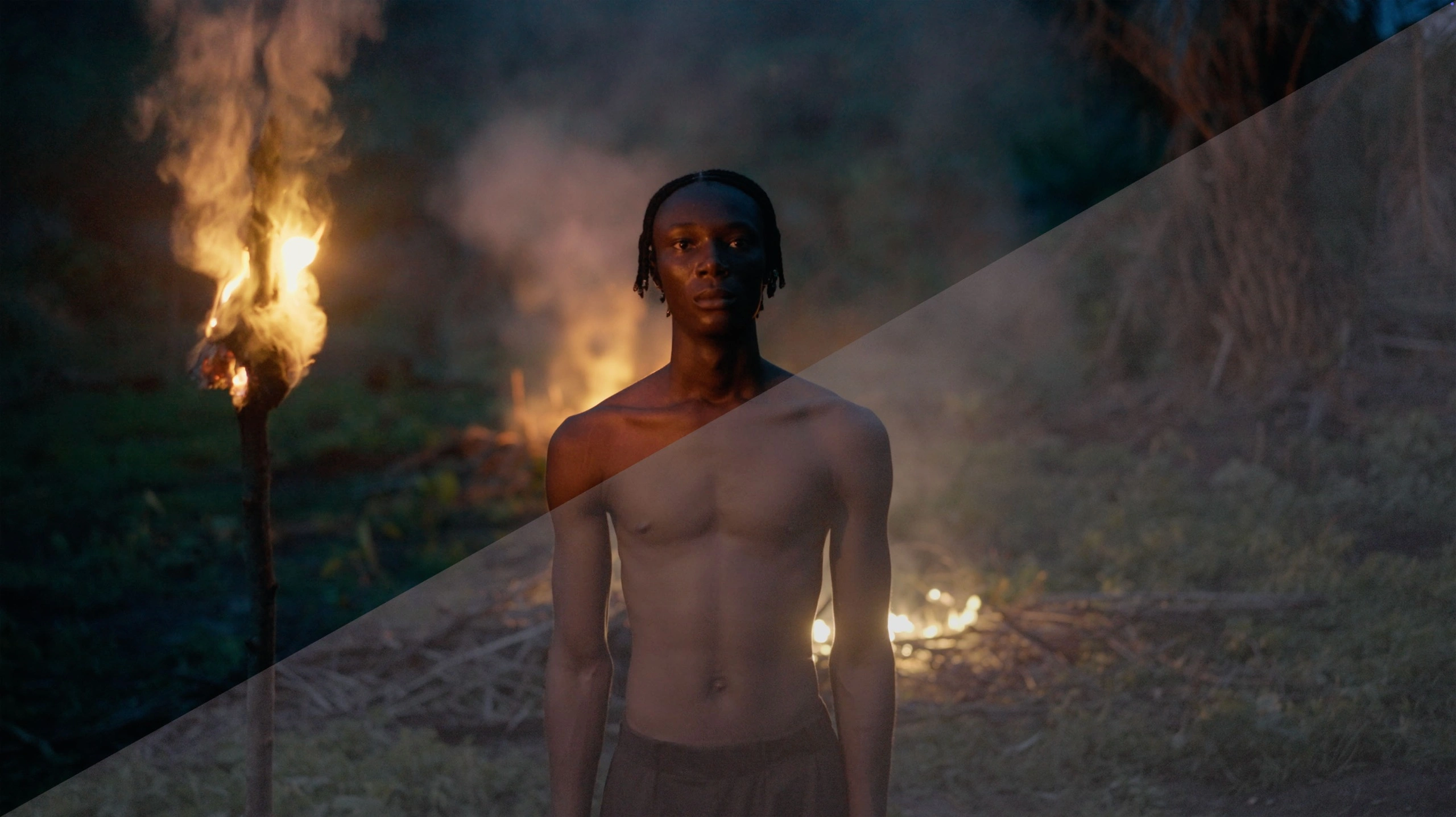
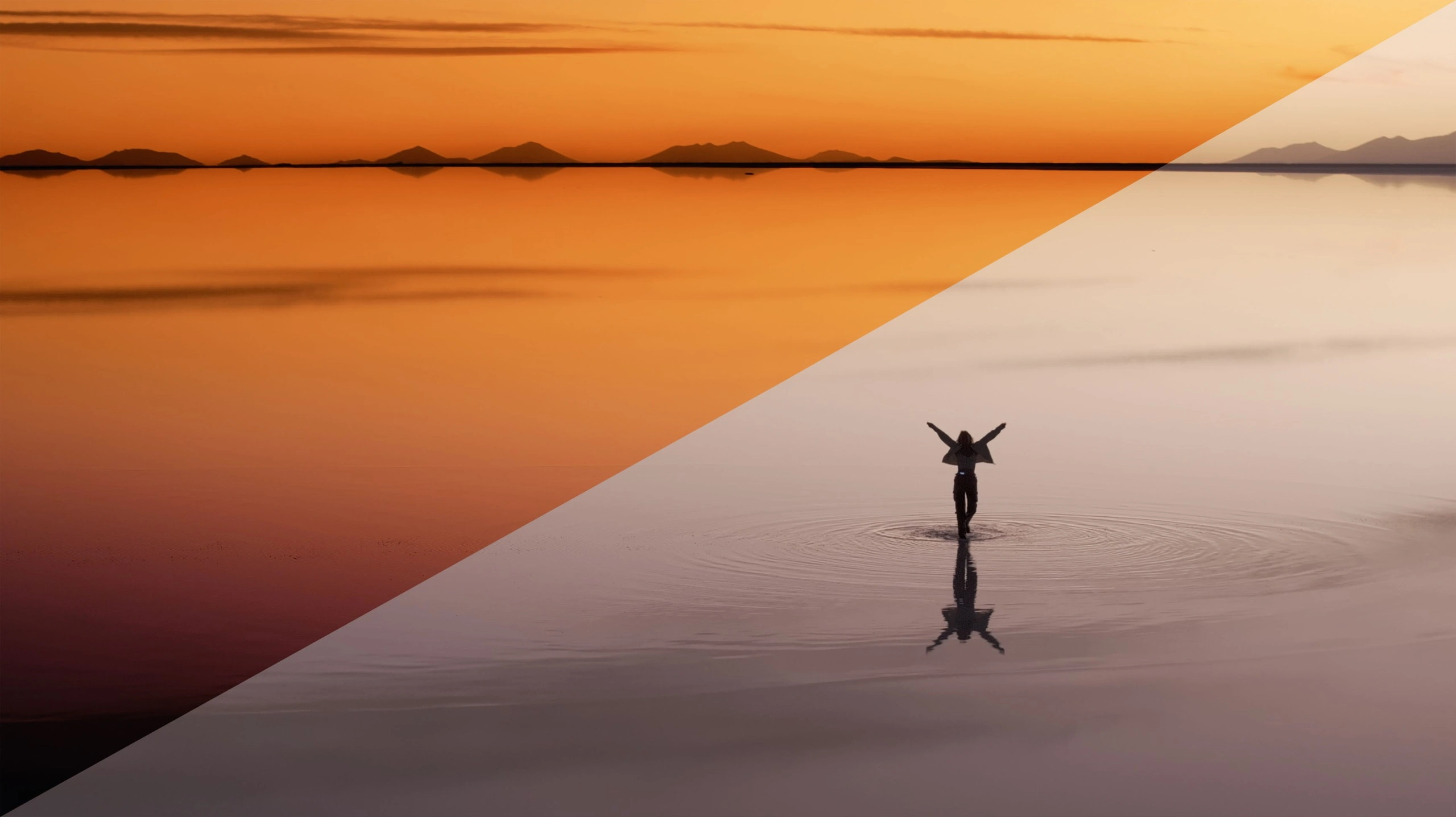
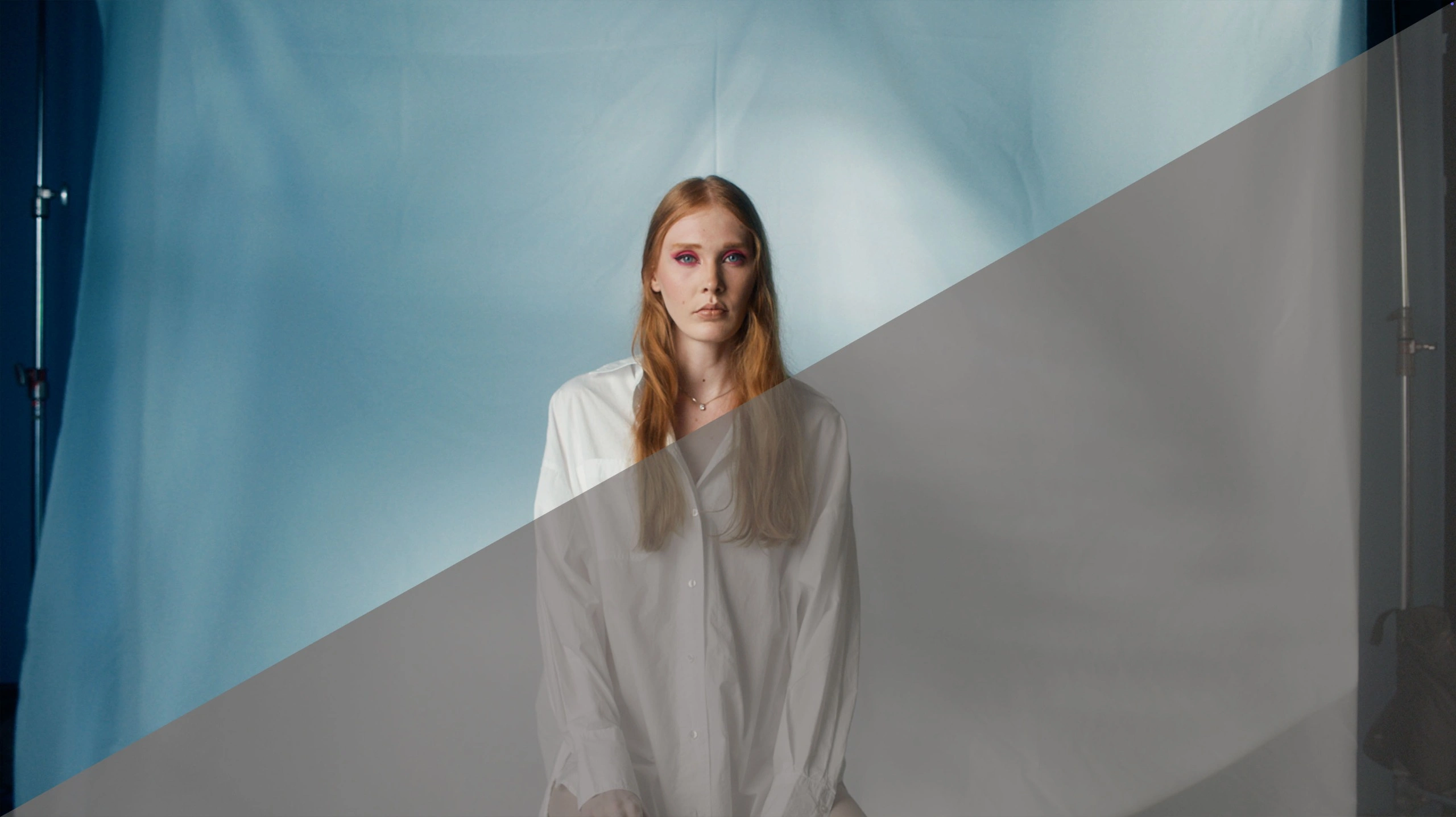
Cinematic Color Masterclass
A course for filmmakers who want to create visually stunning work
Trusted by filmmakers
around the world.
Real results from real filmmakers who have transformed their color grading workflow.
“This masterclass helped me realize everything that I was doing wrong with grading for years. Now everything is so simple.”
“Before this masterclass, I had no understanding of color spaces or color management. It saved me at least a year of trial and error trying to figure out what I was doing wrong. Everything became so clear that I can now confidently explain the concepts myself. The investment was absolutely worth it and has added tremendous value to my work.”
“Everything is so perfectly explain (and I’m not a native english) and now I can use DaVinci Resolve so easily. It’s perfect for my post-productions works ”
“This masterclass helped me realize everything that I was doing wrong with grading for years. Now everything is so simple.”
“Before this masterclass, I had no understanding of color spaces or color management. It saved me at least a year of trial and error trying to figure out what I was doing wrong. Everything became so clear that I can now confidently explain the concepts myself. The investment was absolutely worth it and has added tremendous value to my work.”
“Everything is so perfectly explain (and I’m not a native english) and now I can use DaVinci Resolve so easily. It’s perfect for my post-productions works ”
A Complete Color Grading System
From beginner fundamentals to professional results
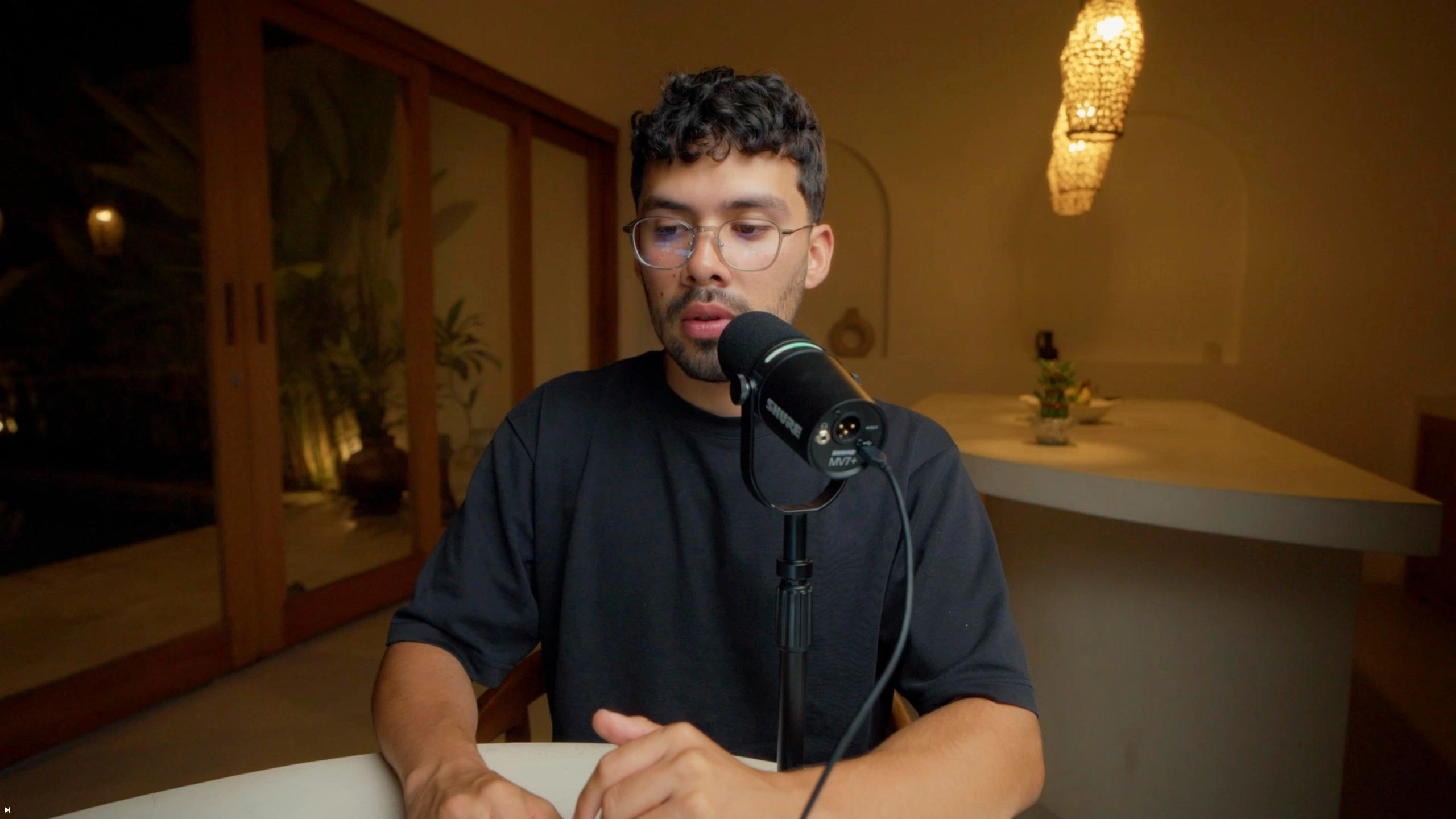
Watch the 2 hour masterclass and understand the principles, tools, and techniques behind great color. Everything is explained from the ground up.
Use my included PowerGrade, a professional node tree that provides a consistent workflow across any camera system. Work faster, with flexibility and control.
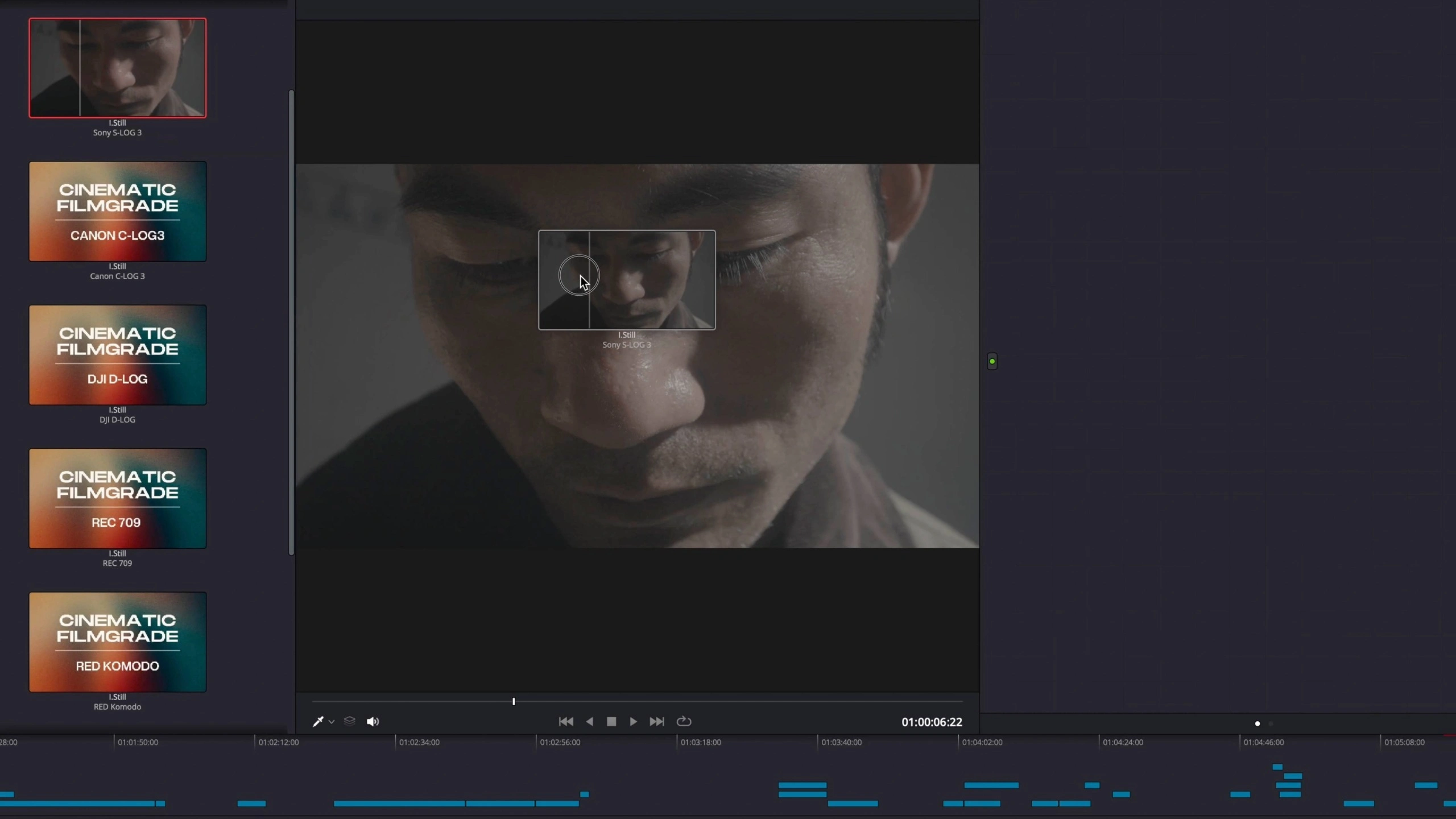
Whether using my signature finishing LUT, third-party LUTs, or popular film emulation plugins, you'll understand how to use them properly and intentionally as creative tools.
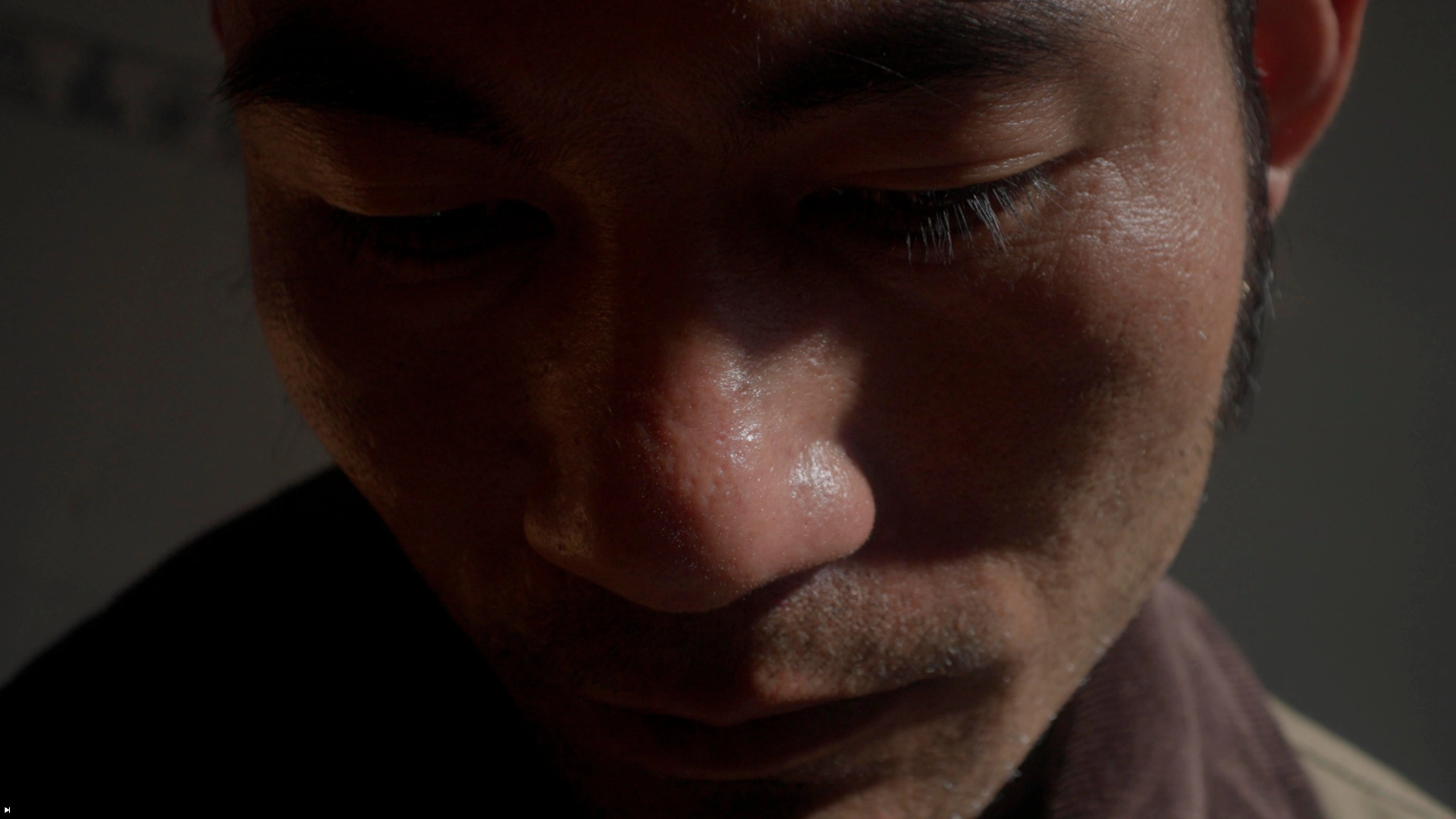
Watch the practice sessions, follow along with the included footage and confidently apply the same workflow to your own projects.
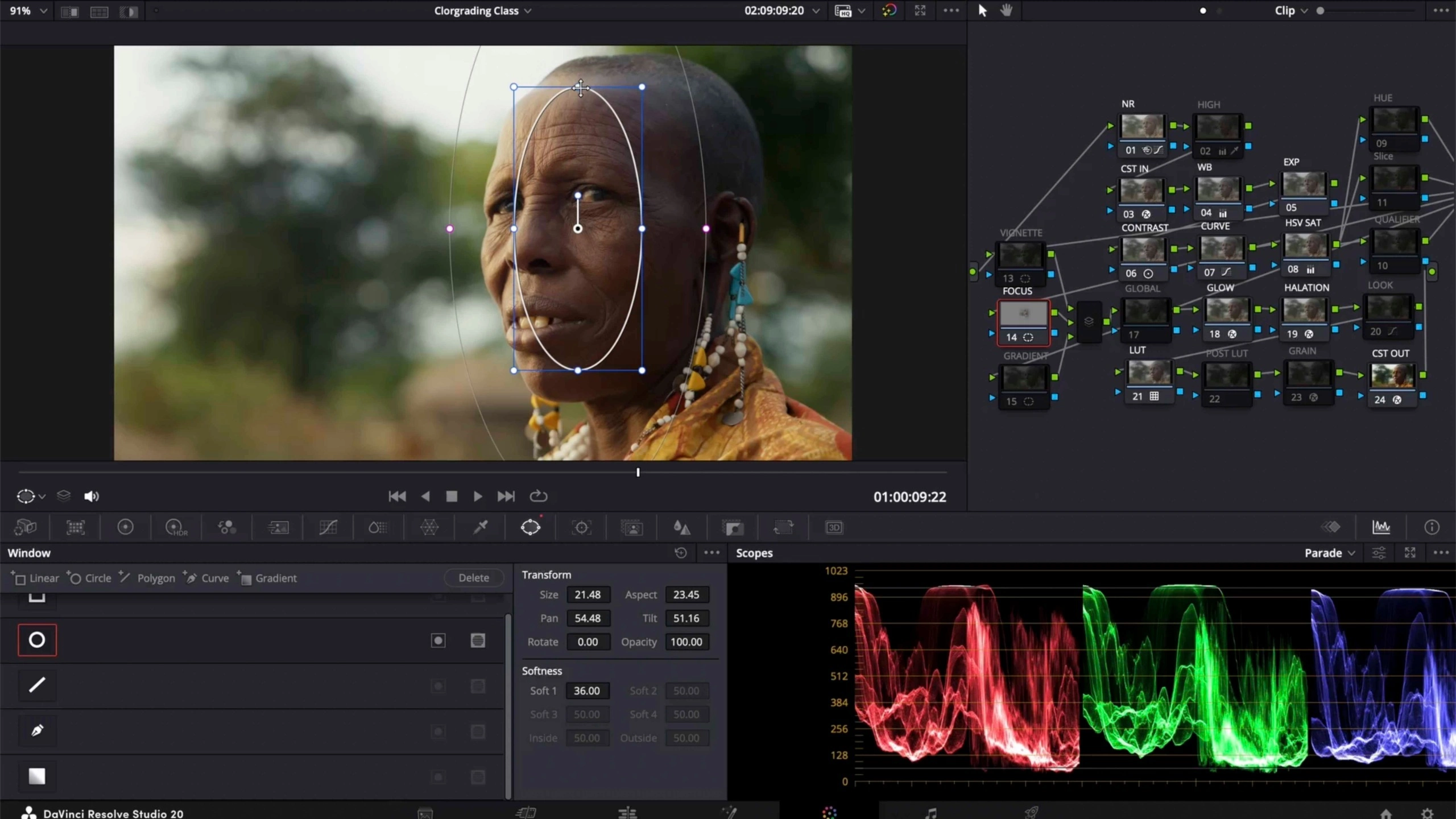
What you'll learn
A breakdown of the topics covered throughout the masterclass.
LEARN THE FUNDAMENTALS
- Color correction vs grading
- Color spaces & color management
- How nodes work
- Grading with scopes
MASTER CLEAN COLOR
- Exposure, white balance and contrast
- Saturation control
- Noise reduction
- Secondaries & power windows
CREATE CINEMATIC LOOKS
- Look development
- Working with LUTs
- Split toning & creative contrast
- Glow, grain & cinematic effects
EXPORT SETTINGS
- Avoiding export color shifts
- Fixing Mac export colors
- Consistent exports across platforms
Common questions.
Everything you need to know before you begin.