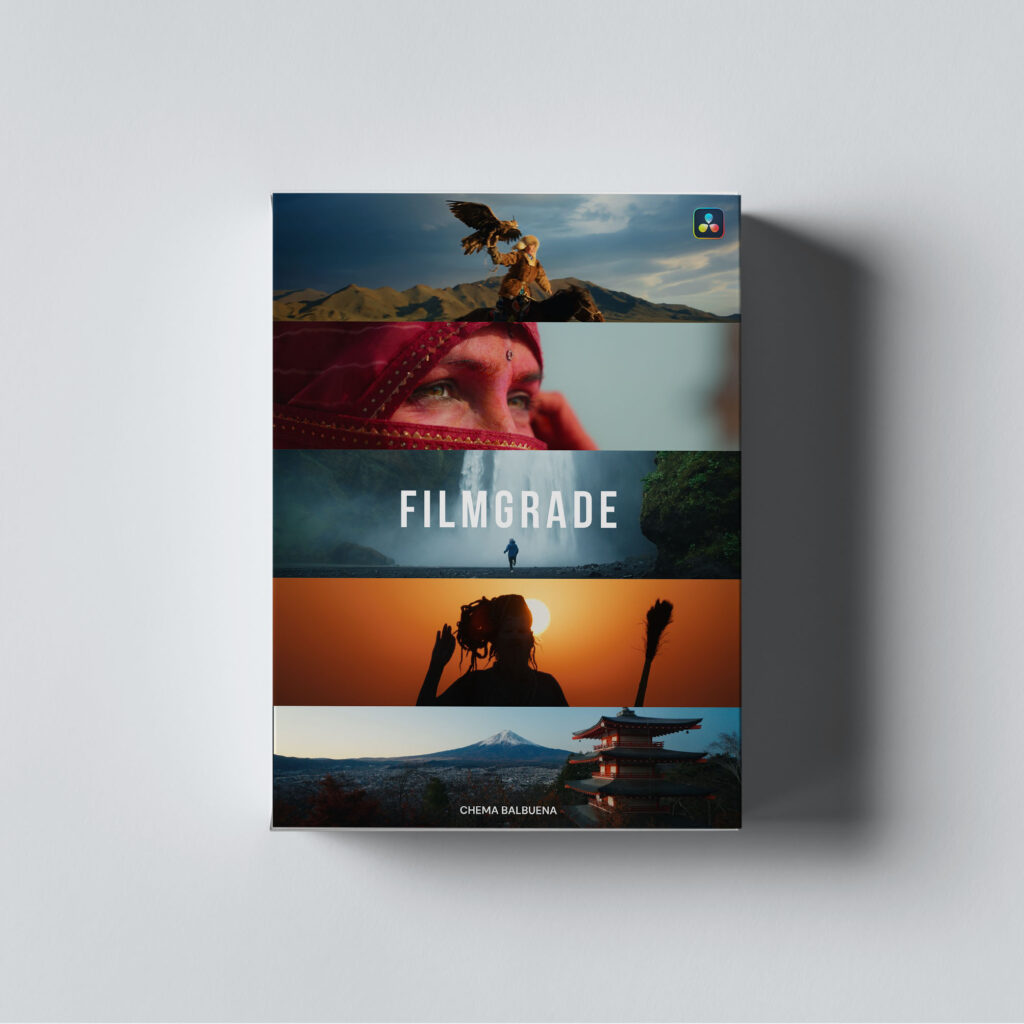
Filmgrade


$67.00


$89.00

$89.00

Special launch price — limited time only

Days
Hours
Minutes
Seconds
Buy Now

My complete PowerGrade + LUT + Mini Masterclass

Grade like a pro even if you’re just starting out.

Get the exact workflow I use on my projects. Built to help you grade faster, cleaner, with full creative control and a deeper understanding of how proper color workflows actually work in DaVinci Resolve. Works with any camera.

What's included?

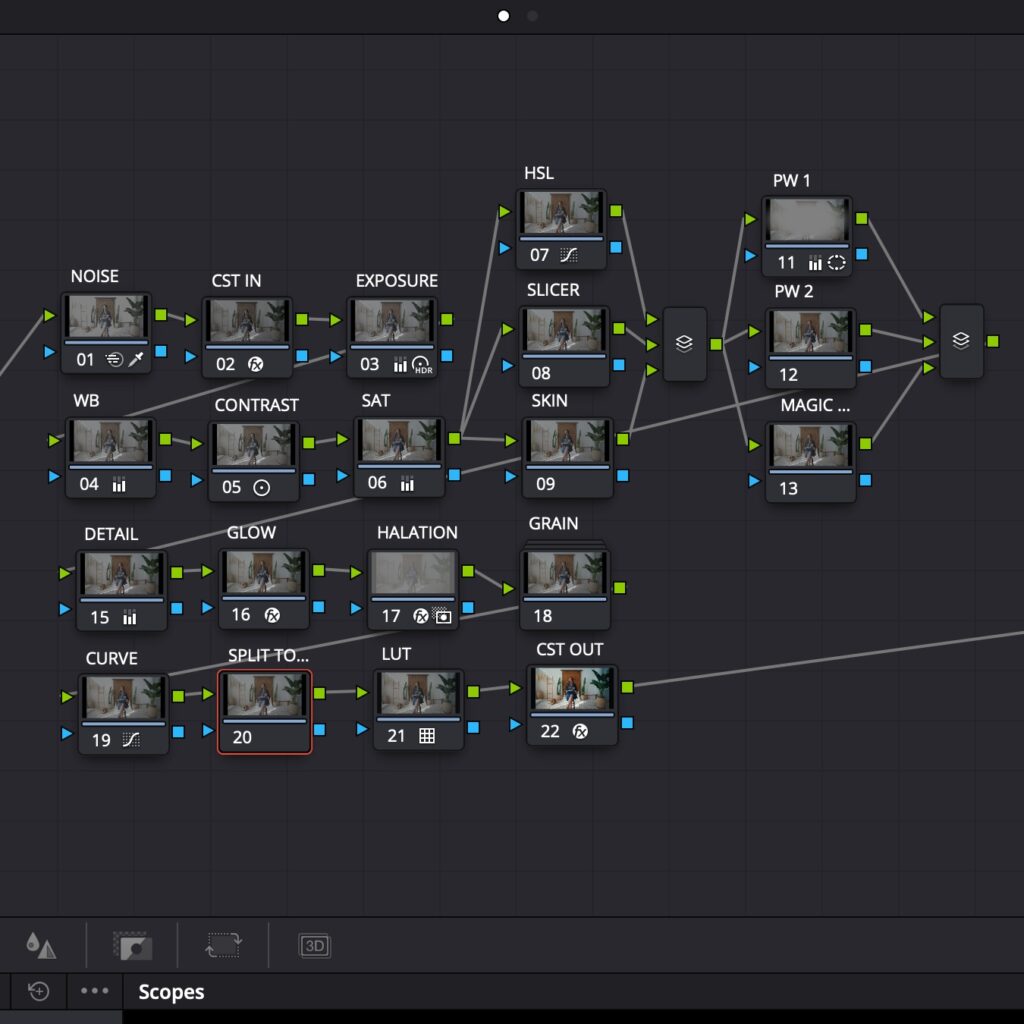
A professionally structured node tree built for DaVinci Wide Gamut color-managed workflows. Designed to help you grade with easy, clean, consistent cinematic results and full creative control.

Includes pre-made PowerGrades for major camera profiles, including Sony S-Log3, Canon C-Log 3, DJI D-Log, Panasonic V-Log and Red

A complete breakdown of how to colorgrade in Davinci Resolve. From proper project setup and color correction to creative grading.

A single, refined LUT,  inspired by classic film and carefully built for a proper DaVinci Wide Gamut workflow.

I kept it simple on purpose: one LUT that works beautifully on its own, or as a solid foundation for your own creative grading. It’s flexible, reliable, and made to work with properly corrected images, not fight against them.

A concise, easy-to-follow PDF that walks you through setup, recommended project settings, and how to apply the PowerGrade to your footage. Perfect for jumping in fast or referencing without scrubbing through the tutorial.

Real footage included so you can follow along, experiment, and get hands-on with the workflow.

Buy once, get updates forever. Whether I refine the PowerGrade or add new tools, you’ll always get the latest version at no extra cost.

Pablo Esteves
Pablo Esteves@username
Lorem ipsum dolor sit amet, consectetur adipiscing elit. Ut elit tellus, luctus nec ullamcorper mattis, pulvinar dapibus leo.
Marion Bertorello
Marion Bertorello@username
Everything is so perfectly explain (and I’m not a native english) and now I can use DaVinci Resolve so easily : it’s perfect for my post-productions works ! Thanks again for this useful job and can’t to improve myself ✨

Darwin Maycol@username
Acabo de terminar de ver el video y debo decir que ha sido una revelación para mí. He aprendido muchísimo, y los ejemplos prácticos han clarificado aún más los conceptos. Soy nuevo en la fotografía, un campo que siempre me ha fascinado. Te sigo desde tu viaje a Perú; tus videos siempre me inspiraron, y aunque intenté replicar tus colores, nunca lo lograba. Este curso ha sido clave para entender la colorización.
John Doe
John Doe@username
Lorem ipsum dolor sit amet, consectetur adipiscing elit. Ut elit tellus, luctus nec ullamcorper mattis, pulvinar dapibus leo.
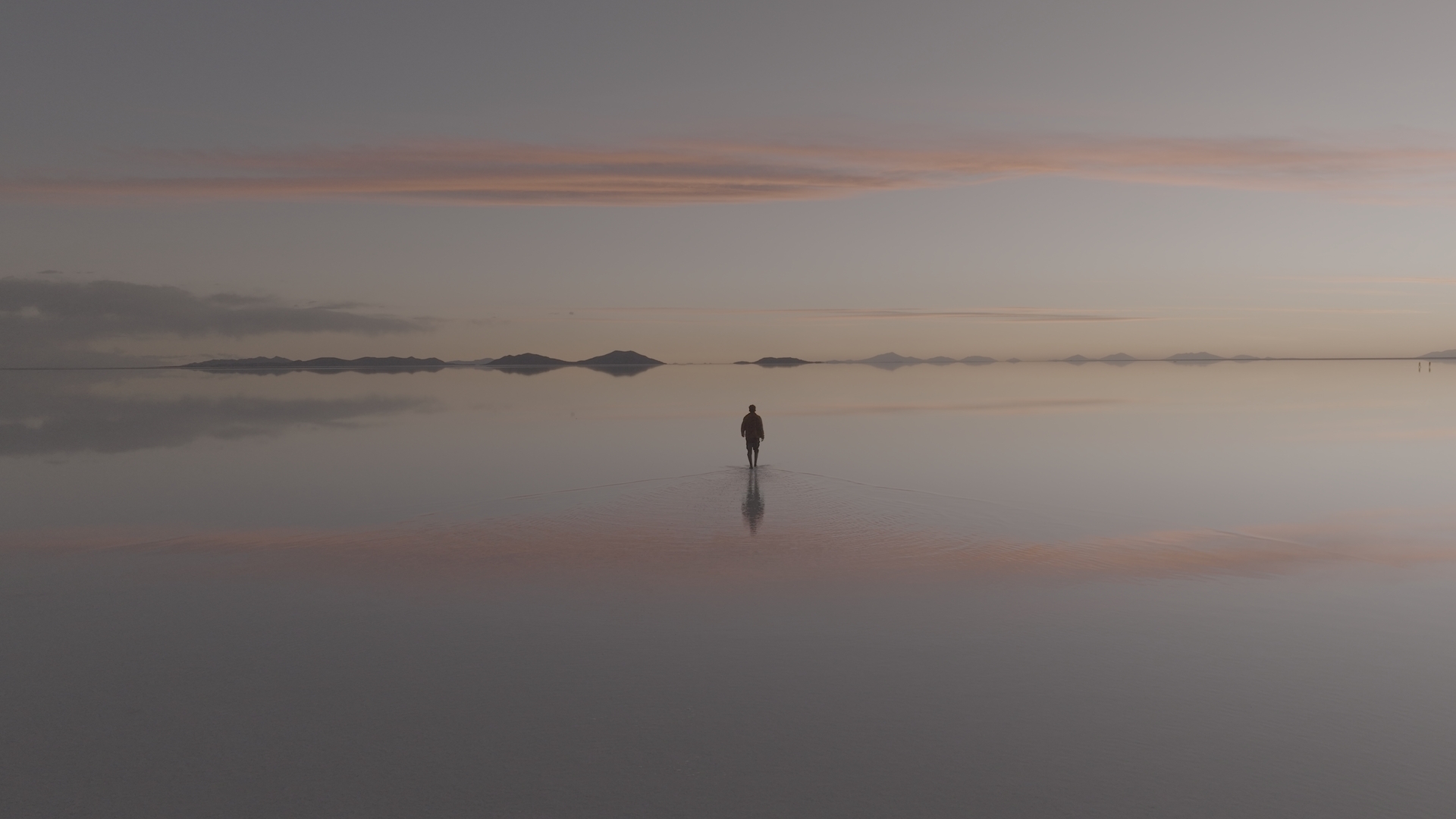
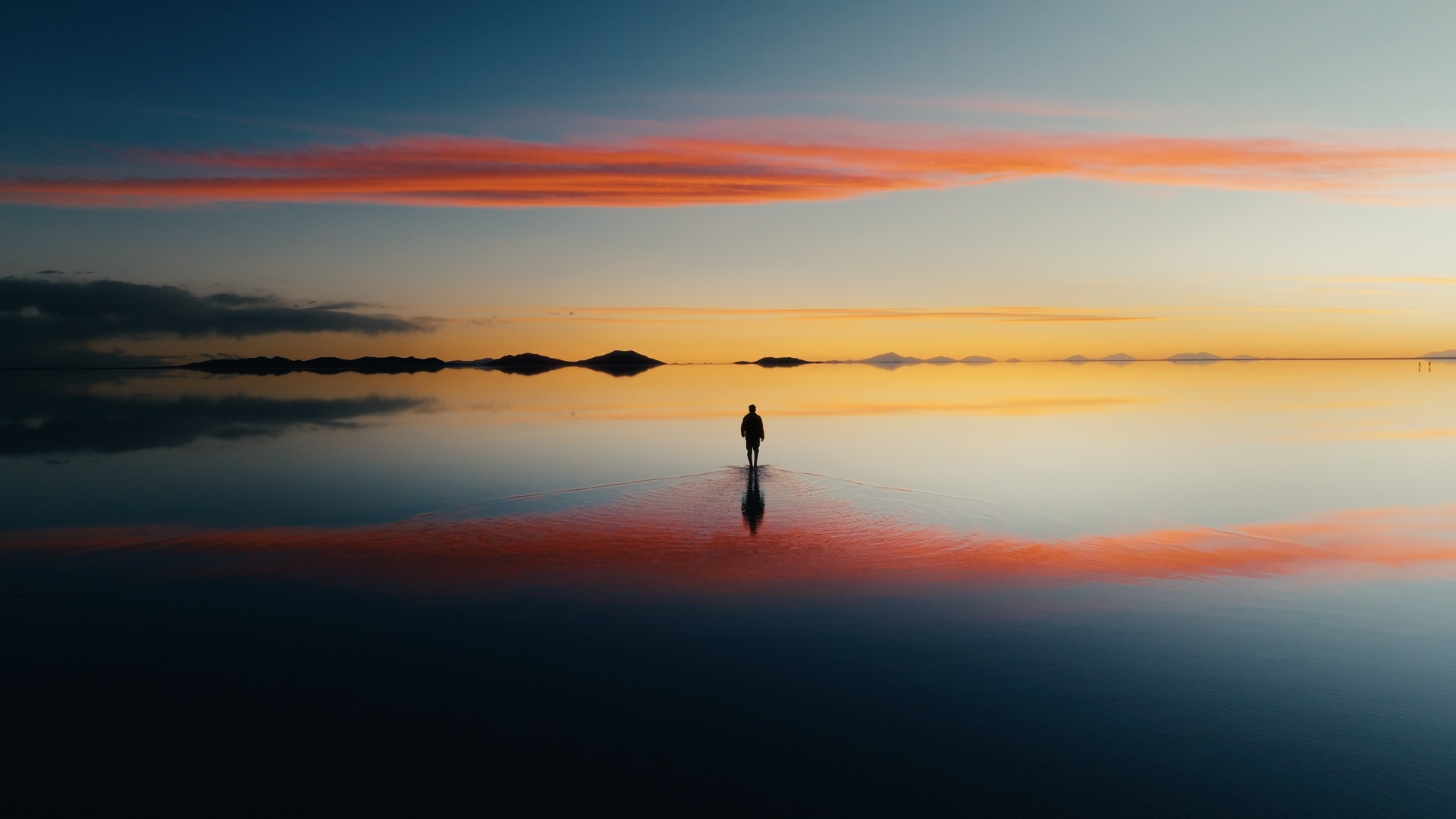
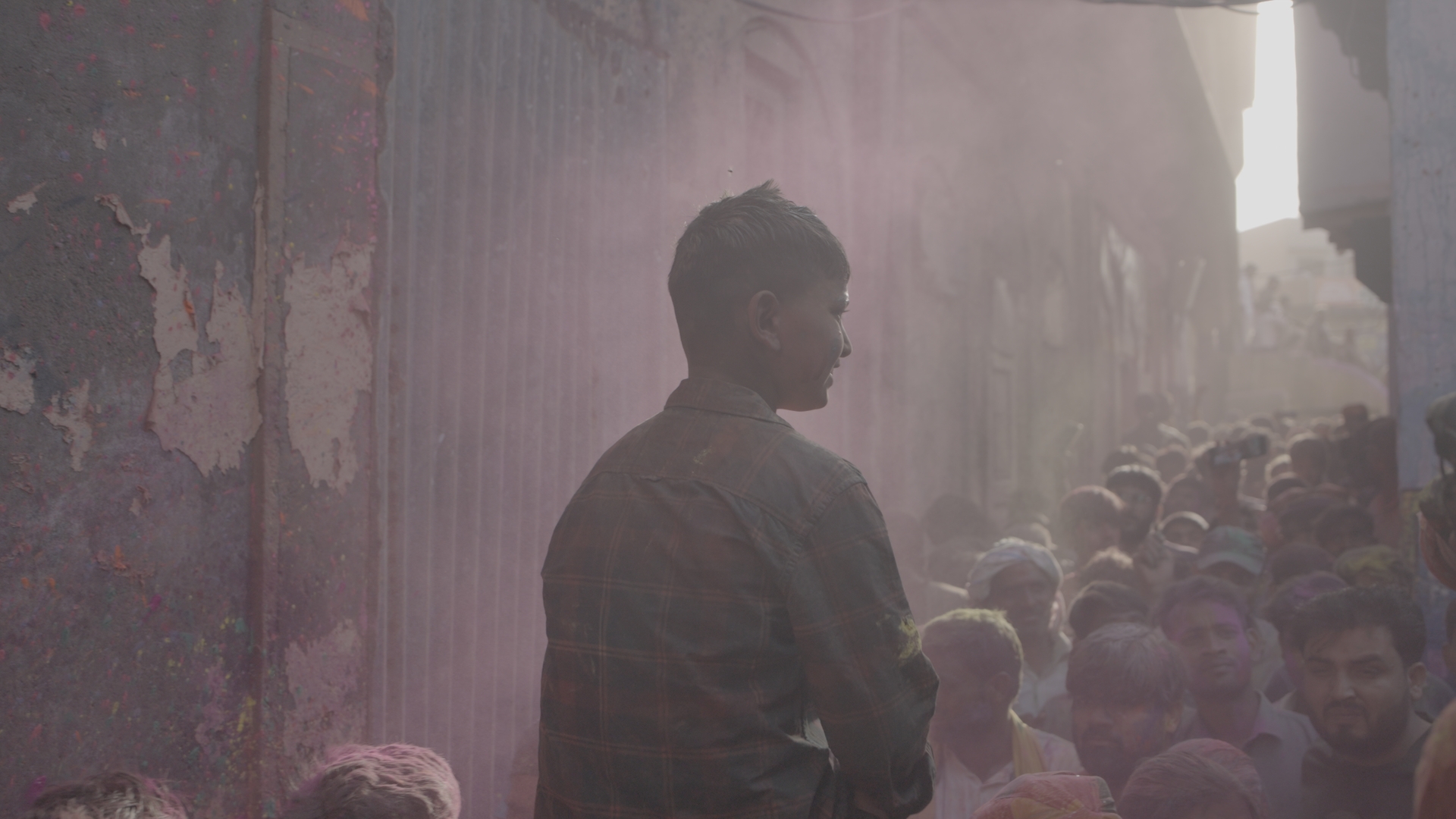
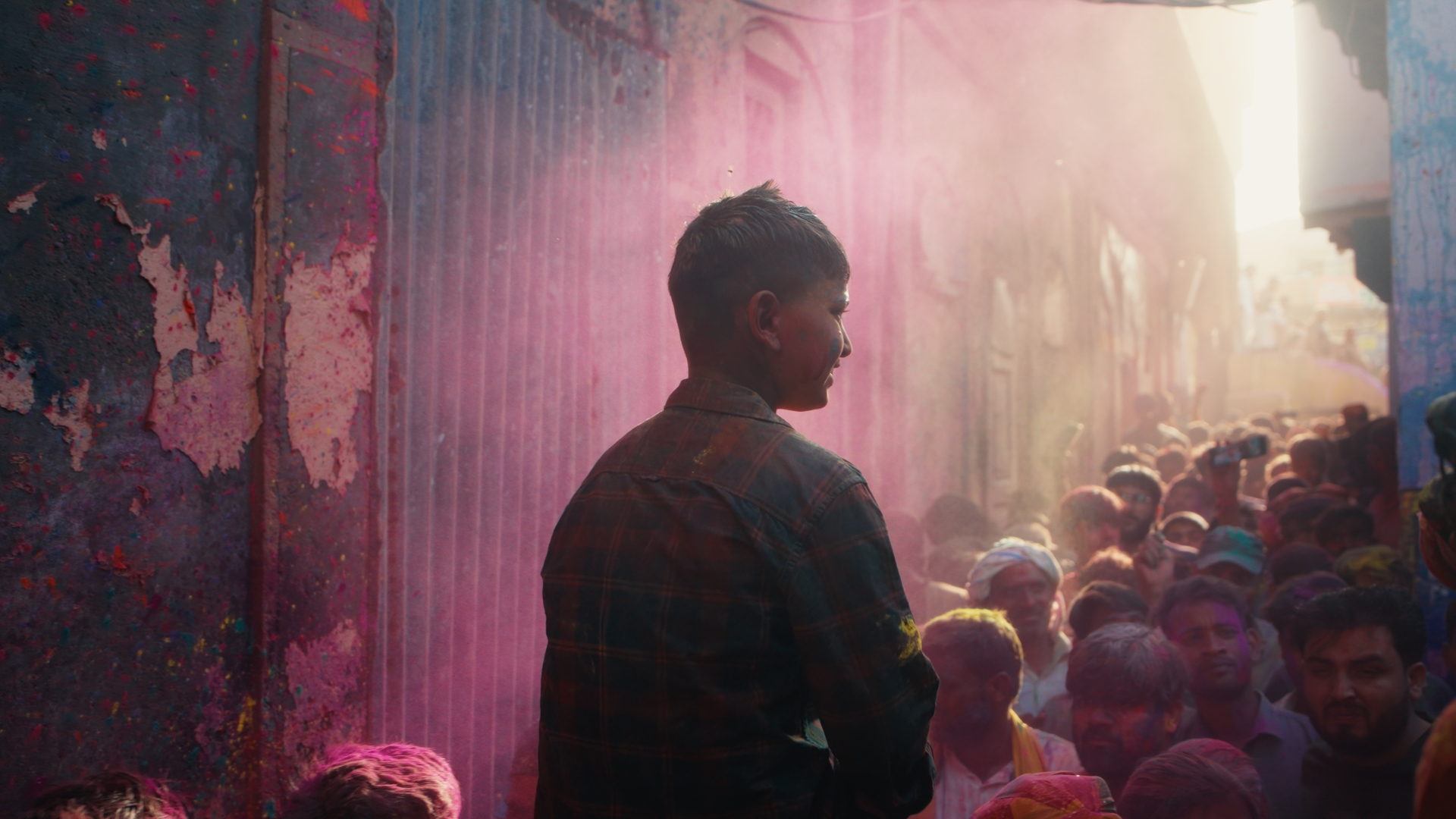
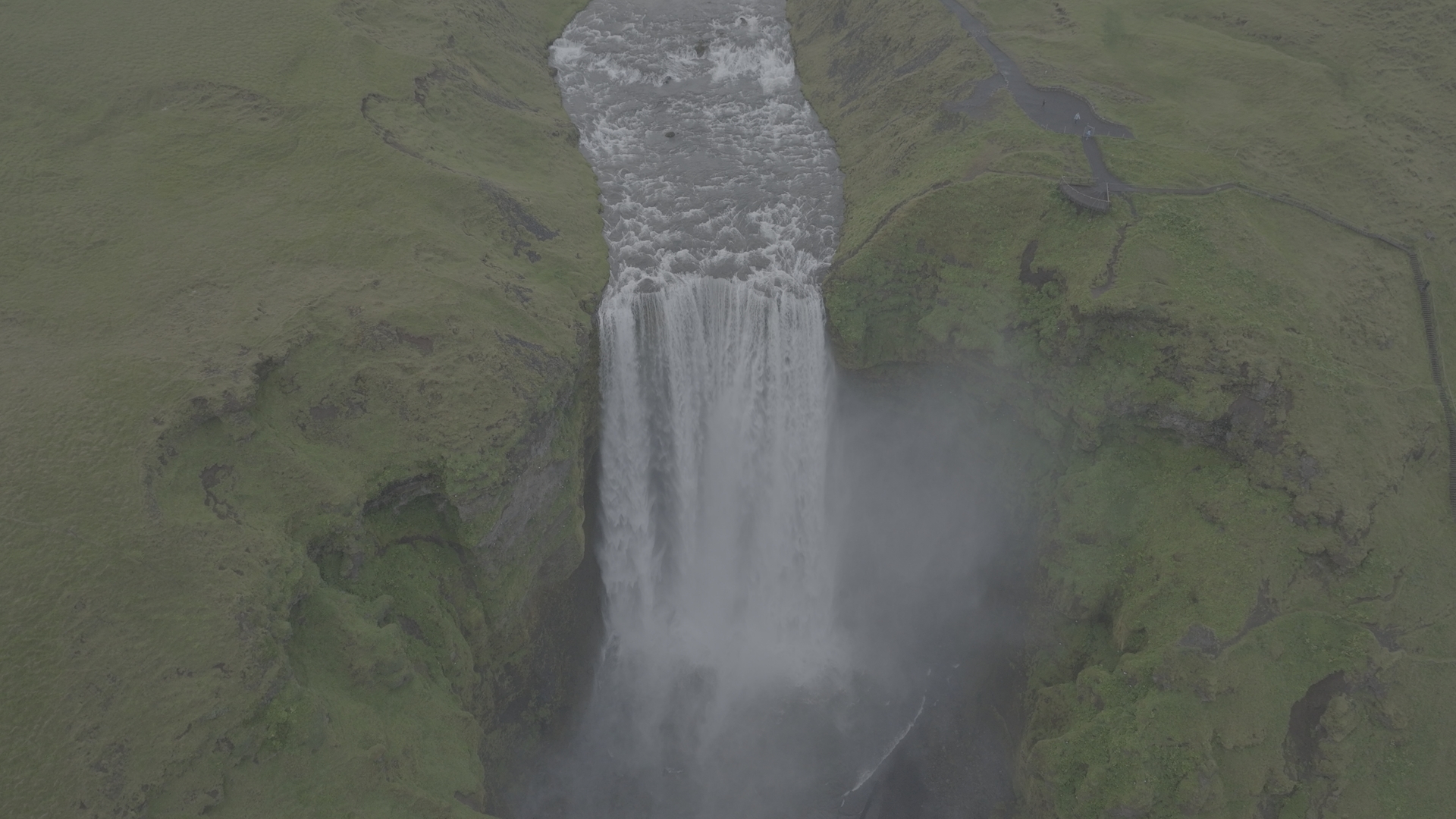
D-Log D-Log
Filmgrade Filmgrade
SLog-3 S-Log 3
Filmgrade Filmgrade
D-Log D-Log
Filmgrade Filmgrade

SLog-3 S-Log 3
Filmgrade Filmgrade

2 Hours of Masterclass-Level Tutorials

In-depth, practical tutorials where I walk you through every step of the process.

What You'll Learn

✅ The fundamentals of working in a color-managed workflow

✅ Colorspaces and how they shape your image

✅ How to build and use a professional node structure

✅ Understand color grading, color correcting and look developement 

✅ My go-to techniques correction and creative grading

✅ How and when to apply LUTs

✅ Export settings that preserve your grade

✅  And more….

As seen on

Frequently Asked Questions

Absolutely, the tutorials are designed to teach you everything from scratch. Even if you’re new to color grading or DaVinci Resolve, I walk you through each step clearly and practically.
You’ll need DaVinci Resolve 19 or later to use this system.

Sorry Adobe and Final Cut users.
Yes, the PowerGrade and tutorials work perfectly with the free version. However, a few minor features like noise reduction are only available in the Studio version.
Yes — it works with footage from any camera. For best results, it’s ideal for cameras that shoot in LOG (like S-Log3, C-Log 3, F-Log 2, etc.), but it can still be adapted for other types of footage with some adjustments.

I’ve included pre-made versions for the profiles I use the most:

Sony S-Log3
Canon C-Log 3
DJI D-Log
RED Log3G10 / REDWideGamutRGB
Panasonic V-Log
Rec 709
No, everything is built using native DaVinci Resolve tools. No third-party plugins are required.
Yes. You can use any LUT or film emulation software alongside the PowerGrade. In the tutorials, I show you how to adapt it so everything integrates smoothly into your workflow.
Scroll to Top